
Migrate when a specific Lovable limit keeps blocking a feature your users need, not because you hit a revenue number or a user count. Lovable now gives you a SQL dump of your Cloud database, a one time source code ZIP, two way Git sync with GitHub and Bitbucket, daily backups you can restore from, Postgres performance tools, and direct connectors to outside databases like Neon. Most teams who think they need to migrate actually need a partial move, keeping development in Lovable while hosting part of the stack somewhere else.
When to Migrate Away From Lovable
/ Updated / 10 min read

TL;DR
Key takeaways
- The honest triggers are infrastructure ownership for compliance, database features the managed layer won't run, and tight coupling to systems that live inside someone else's network.
- You can export a Cloud database as a SQL dump, capped at 5 GB and one export per project every 24 hours. Storage files download separately.
- Paid plans can download the whole project as a ZIP from Project settings, Git tab, without connecting a repository at all.
- Schema changes are recorded as Drizzle migration files in your repo, so the database structure travels with the code.
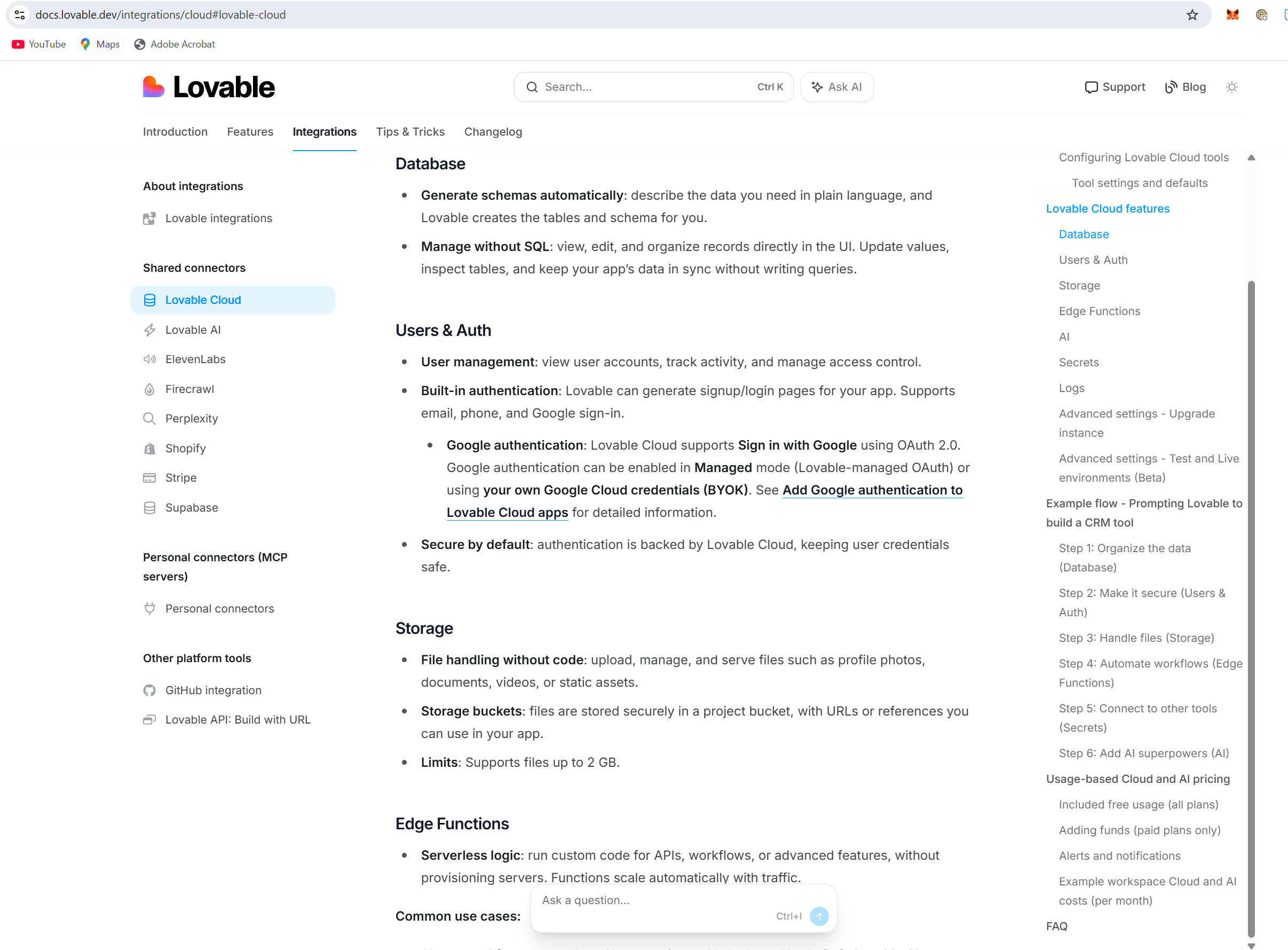
- External database connectors for Neon, MotherDuck, Oracle Autonomous AI Database and IBM Db2 let you keep building in Lovable while the data lives elsewhere.
- Partial migration beats full migration for most teams. Hybrid setups run fine long term.
On this page
Most people building in Lovable never need to leave. The ones who do usually leave for one of three reasons, and none of them is "we got too big." Leaving is a real cost, and the platform has quietly closed several of the gaps that used to force the decision. Here's how to tell whether you're actually blocked or just nervous.
The three reasons teams actually leave
Infrastructure ownership is the big one. Some organisations have to prove where data sits, who can touch it, and what the separation looks like between development and production. Lovable gives Business and Enterprise admins a region choice of Americas, Europe or Asia Pacific, but only for new Cloud projects. Existing projects don't move when you flip that setting. If your auditor needs more control than that, no amount of clever prompting fixes it.
The second reason is database features the managed layer won't give you. Custom extensions, unusual indexing strategies, stored procedures that your whole business logic depends on. If you keep writing application code to fake something Postgres could do natively, that's a real signal.
The third is integration with systems that live behind a corporate firewall. Legacy ERP boxes, on premise warehouses, anything that expects a private network connection. Lovable's managed hosting doesn't let you configure networking at that level.
Scale on its own is a bad reason to migrate. Plenty of busy apps run entirely on Lovable. Move when a named feature is blocked more than once, not when a dashboard number crosses a round figure.
What Lovable fixed, and what it still can't do
A lot of the old "you'll have to leave eventually" advice is out of date. Lovable added Postgres performance investigation, so you can see query statistics, rank the expensive queries, read query plans and get targeted index suggestions. You can restore a Cloud database from recent daily backups, though a restore rolls back both schema and data and throws away everything after that point permanently. The platform also warns you when the database is under resource pressure and shows the credit impact of a resize before you approve it.
Then there are the external database connectors added in October. Neon gives you read and write SQL access to your own Neon Postgres instance. MotherDuck, Oracle Autonomous AI Database and IBM Db2 give SQL access to databases you already run. That's a genuine escape valve. You can own the database and still build the app in Lovable.
The parts that are still off limits
You can't configure the server. No custom system packages, no private networking, no container tweaks. You can't run a database extension that Lovable Cloud doesn't support. Very high throughput real time work can hit ceilings you can't optimise your way out of at the application layer. And the region control is coarse, with no per project migration for things you've already built.
Those limits are narrow, but they're hard walls. If one of them sits in the middle of your product, no workaround saves you. Knowing where the tool genuinely doesn't fit is worth more than optimism.
Try these before you pack your bags
Run the performance tools first. Slow apps are usually slow because of how they query, not because of where they're hosted. Look at the expensive query ranking, read the plan, add the index Lovable suggests. That fixes more "we've outgrown the platform" complaints than anything else.
If the problem is data volume or an analytics workload, point Lovable at an external database instead of rebuilding the whole app. Keep the fast front end work where it is. Put the heavy data somewhere built for it. This is the single most underused option available right now.
If the problem is governance, check whether usage limits solve it. Paid plan admins and owners can now set limits per workspace, project and member, and Business and Enterprise can also set them for groups and access tokens. Limits can alert or block building, Cloud usage, AI features and metered connector requests. For a lot of finance and security concerns, that's the control people were actually asking for.
Connect Git before you need it. Two way sync works with private GitHub and Bitbucket Cloud repositories. Having history already in place turns a stressful migration into a boring one.
Getting your code and data out
The exit path is better documented than it used to be, and it's worth knowing the exact mechanics before you plan a timeline.
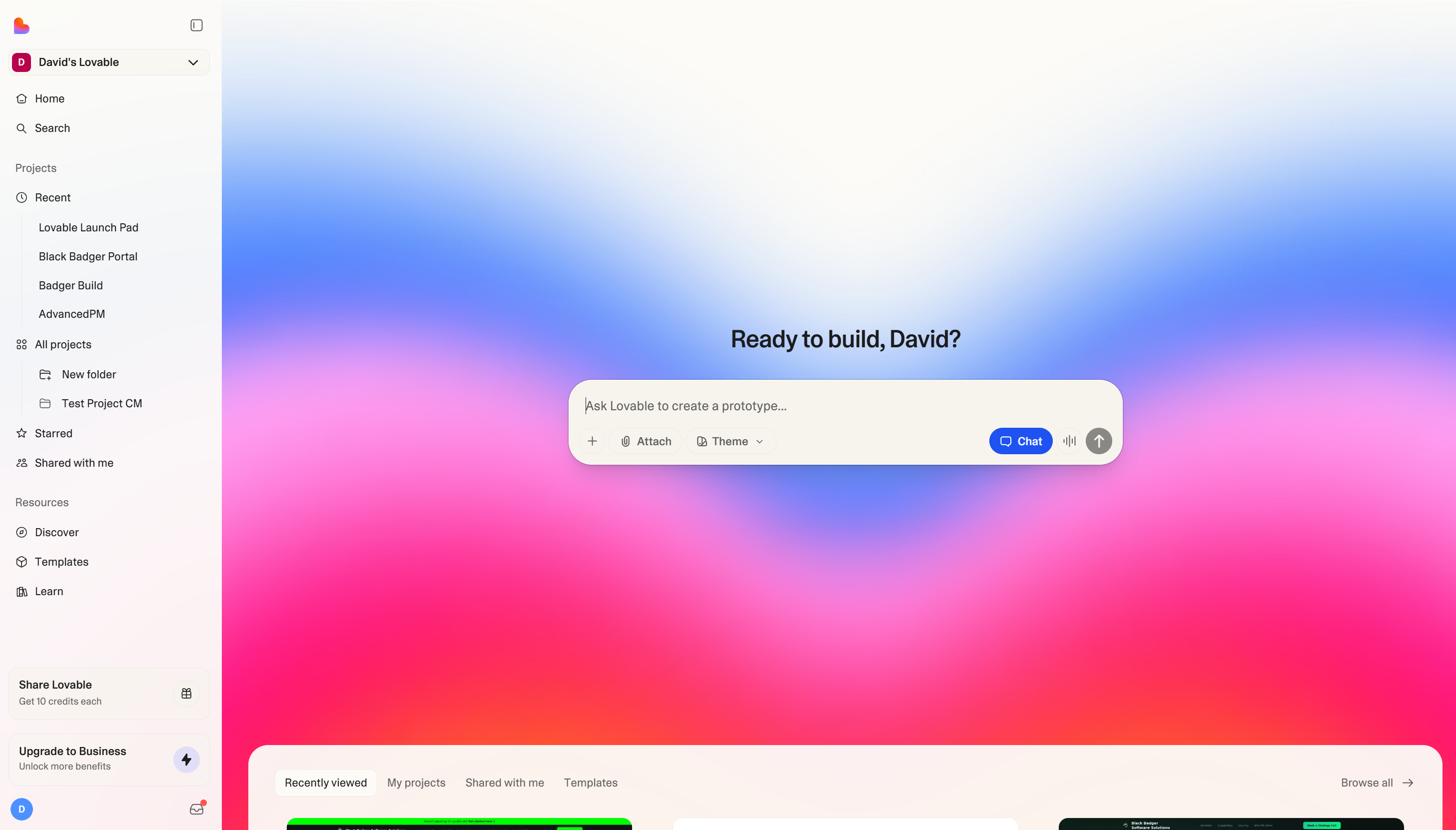
For code, paid plan users with edit access can download the project as a ZIP from Project settings, under the Git tab. That's a one time download and doesn't need a repository connected. For anything ongoing, use the two way sync with GitHub or Bitbucket instead, because you'll want real history during a migration.
For the database, Lovable exports a SQL dump. Two numbers matter. The export is capped at 5 GB, and you get one export per project every 24 hours. If your database is bigger than 5 GB, plan around that now rather than discovering it on cutover weekend. Storage files are not in the dump. You download those separately, and that part always takes longer than people expect.
One thing that makes life easier is that structural changes to the Cloud database get recorded as Drizzle migration files in drizzle/migrations/. Your schema history travels with your code. Lovable will also block potentially breaking operations like dropping or renaming a table or column unless you've turned on the relevant Cloud permission. That guardrail has saved more than a few people from an accidental data loss during a refactor.
When you're genuinely done, Cloud can be removed permanently, which deletes the managed database, storage, authentication and functions. Do that last, and only after you've verified the new system in production.
The cutover itself
Database cutover needs downtime. Stop writes on the old system, move the final delta, repoint the app. Rehearse it with production sized data before you do it for real. A dry run that takes an afternoon is cheaper than a failed switch that takes a weekend.
The partial migration most teams should pick
Full migration is usually the wrong shape. The better move is to extract one piece and leave the rest alone. Host the front end on your own platform through Git sync while Lovable Cloud keeps handling the database, auth and functions. Or go the other direction and keep the front end in Lovable while an external connector points at a database you control.
Development velocity is the thing you're protecting. You can keep prompting, keep using preview environments, keep shipping. The switch to hand written React costs you real speed, and that cost never goes away.
Hybrid is a destination, not a stopover. Teams run split setups for years without problems. There's no prize for migrating everything.
The costs nobody puts in the plan
Once you own infrastructure, you own backups, patching, monitoring and scaling decisions forever. That work never shows up on a roadmap, and it never stops. New people on your team have to learn several systems instead of one.
Money is murkier than it looks. Lovable moved build, Cloud and deployed app AI usage onto a single credit balance in June, and the published plans run from 100 to 10,000 subscription credits a month across Pro and Business, plus 5 daily build credits, with Free capped at 30 build credits a month. Free, Pro and Business workspaces also get a monthly grant of 20 Cloud credits and 4 AI credits. Lovable said plan prices, credit costs, consumption rates and expiration rules didn't change in that move. The redesigned Plans and credit usage page now shows spend by member, by project, and whether credits went to building or running the app. Paid plans can see 90 days of AI activity, Free sees 24 hours.
Use that data before you argue the cost case. Most people guess at their Lovable spend and guess wrong in both directions. Add up what equivalent managed services cost, then add the engineering hours. The second number is the one that surprises people.
Making the call
Migrate when staying costs more than leaving, measured in blocked features rather than feelings. Write down the last three things you couldn't build. If all three trace back to a Lovable limit that no connector or configuration fixes, go. If they trace back to query design or a schema you'd rather not touch, stay and fix those.
The old warning that leaving is a one way door is softer than it was. With Git sync, SQL dumps and external database connectors, you can run a hybrid and change your mind. Moving data back is still painful, so don't treat it as free, but it isn't a cliff any more.
Plan the move deliberately. Export early, rehearse the cutover, document why each decision was made, and keep shipping features while it happens.
Read this next
When Lovable is the wrong tool for the job covers the decision one step earlier, before you've built something you later have to move.
Related articles
Frequently asked questions
What are the main reasons teams decide to leave Lovable?
Teams leave Lovable for three specific reasons: infrastructure ownership requirements for compliance, database features the managed layer won't support like custom extensions and stored procedures, and integration with systems behind corporate firewalls. Scale and revenue growth aren't valid reasons to migrate. Move when a named feature is blocked repeatedly, not when dashboard numbers hit round figures.
Can I export my database from Lovable Cloud?
Yes, you can export your Cloud database as a SQL dump capped at 5 GB, with one export per project every 24 hours. Storage files download separately. You can also restore a Cloud database from recent daily backups, though a restore rolls back both schema and data and permanently removes everything after that point.
How do I get my source code out of Lovable?
Paid plan users with edit access can download the entire project as a ZIP file from Project settings under the Git tab. This is a one time download and doesn't require connecting a repository. Schema changes are recorded as Drizzle migration files in your repo, so the database structure travels with your code.
Do I have to leave Lovable to use my own database?
No. External database connectors let you keep building in Lovable while your data lives elsewhere. You can connect to Neon for read and write SQL access to your own Postgres instance, or MotherDuck, Oracle Autonomous AI Database, and IBM Db2 for databases you already run. This partial migration approach works well long term for most teams.
What performance tools does Lovable offer before migrating?
Lovable provides Postgres performance investigation tools showing query statistics, expensive query rankings, query plans, and targeted index suggestions. The platform also warns when your database is under resource pressure and displays the credit impact of a resize before approval. Slow apps are usually slow because of how they query, not where they're hosted, so optimizing queries often eliminates migration pressure.
What can't I configure or change within Lovable?
You cannot configure the server with custom system packages, private networking, or container tweaks. You cannot run database extensions Lovable Cloud doesn't support. Very high throughput real time work may hit unavoidable ceilings. Region control is coarse with no per project migration for existing projects. These are hard walls that require actual migration if they block your product.
Should I migrate to Lovable's external database before doing a full migration?
Yes. Most teams who think they need complete migration actually benefit from partial moves, keeping development in Lovable while hosting part of the stack elsewhere. This hybrid setup runs fine long term and is significantly underused. If your problem is data volume or analytics workloads, connect an external database instead of rebuilding your entire application.
Share this article
Keep reading
The Biggest Limitations of Lovable Today
While Lovable excels at rapid prototyping, its weak architecture, unpredictable credit costs, and scaling limitations make it unsuitable for production applications. Most developers end up exporting their code to proper development environments once they hit real-world constraints.
When the prototype becomes the product
Built something in Lovable that a business now depends on?
A Lovable app often starts as a prototype and ends up carrying real work. Black Badger turns it into a production system your company owns, with its own data, access control and support. If you built the app, read how that works. If someone built it for the company you run, book a strategy call and bring the app. A written scope follows the call.
How a Lovable app becomes a production systemBook a strategy call
Who wrote this

David Verneuille
Founder, Black Badger Software Solutions
David Verneuille founded Black Badger after 18 years as a project manager and years implementing Smartsheet, monday.com, Wrike and Zoho for clients. He now builds custom systems that clients own outright, which is why the writing here is specific about where each platform fits and where it stops fitting.
Drafted with AI assistance, then checked, edited, and approved by a person before publishing. The facts, opinions, and recommendations are ours.